A Minecraft launcher you can fork.
Nexora is an open-source launcher for Minecraft: Java Edition, built with Rust and Tauri. It runs on Windows, macOS and Linux, and it is Apache-2.0 with no GPL dependencies.
How it compares
Of the launchers in this table, Nexora is the only one that is not GPL. You can take its code into your own project without your project having to become GPL.
| Launcher | Nexora | Prism Launcher | Modrinth App | Official launcher |
|---|---|---|---|---|
| License | Apache-2.0 | GPL-3.0 | GPL-3.0 | Proprietary |
| Source code | Public | Public | Public | Not public |
| Built with | Rust + Tauri | C++ + Qt | Rust + Tauri | Not public |
- License
- NexoraApache-2.0
- Prism LauncherGPL-3.0
- Modrinth AppGPL-3.0
- Official launcherProprietary
- Source code
- NexoraPublic
- Prism LauncherPublic
- Modrinth AppPublic
- Official launcherNot public
- Built with
- NexoraRust + Tauri
- Prism LauncherC++ + Qt
- Modrinth AppRust + Tauri
- Official launcherNot public
Nexora's dependencies are under MIT, Apache-2.0, BSD, ISC and similar licenses. None are GPL or LGPL; five are MPL-2.0, which applies file by file.
Checked against each project's repository and site on November 23, 2026.
What it does
Shared settings
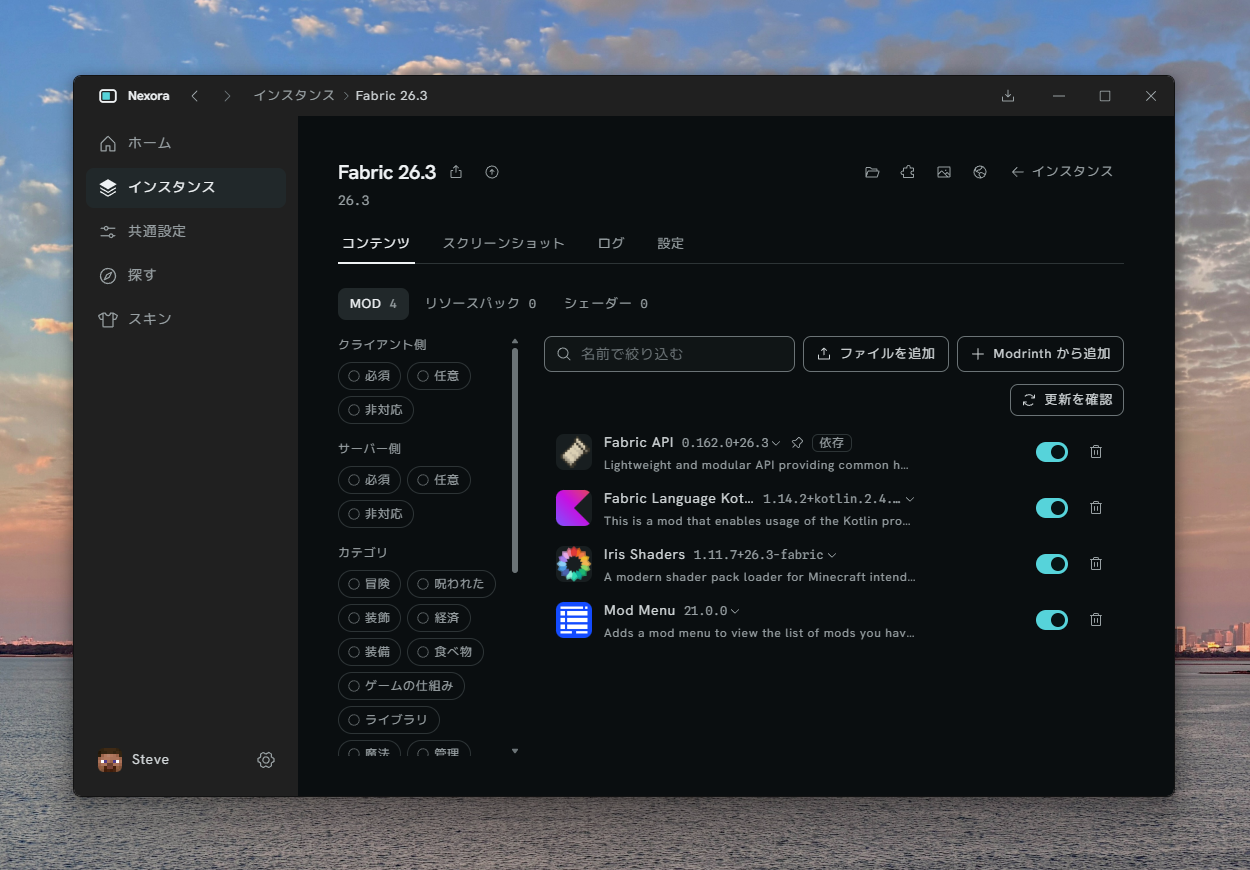
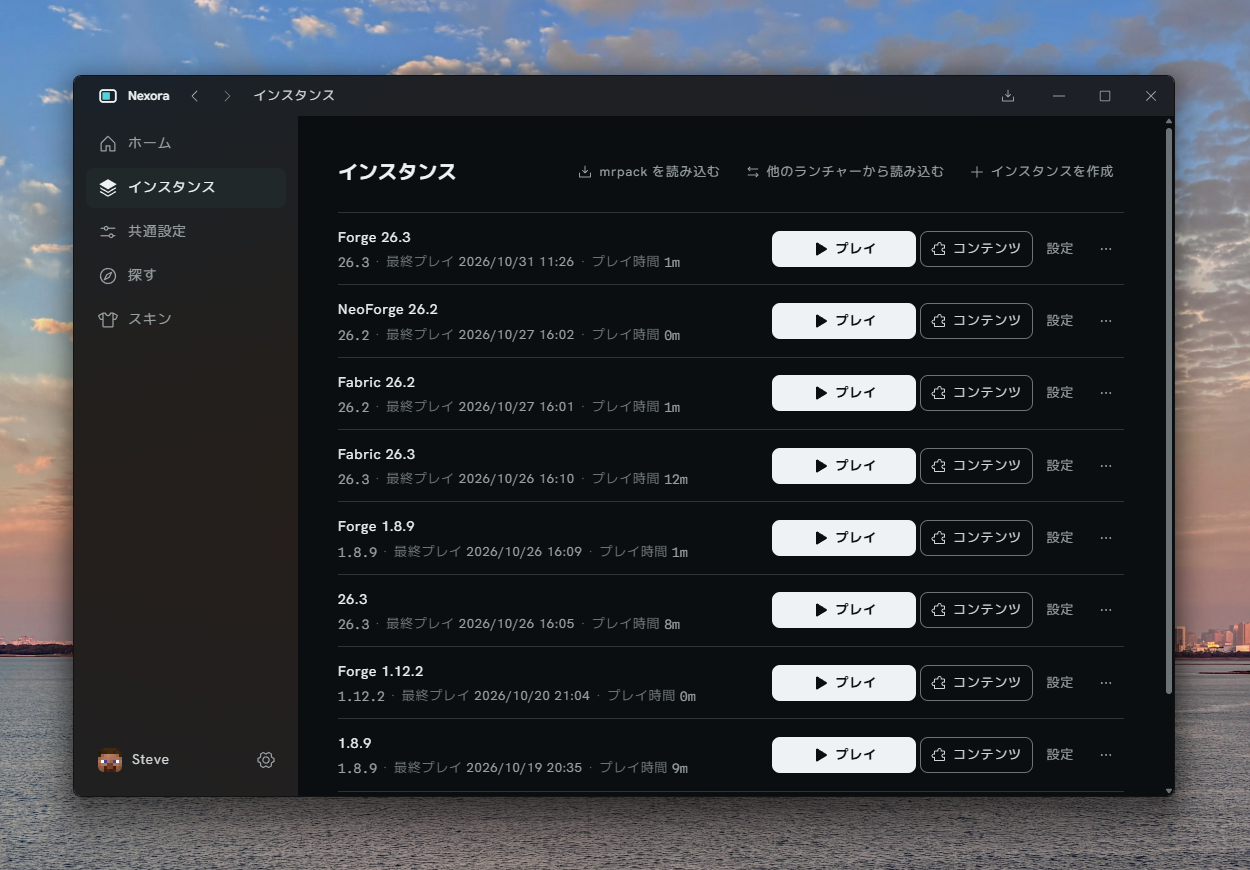
Link instances to a shared profile so key bindings and other game options stay the same in each of them.
Mods, resource packs and shaders from Modrinth
Search and add them to an instance. Required mods come along, and updates are one button.
Move from another launcher
Bring instances over from the Modrinth App, Prism Launcher, the official launcher or the CurseForge app. The originals are only read.
Upgrade the Minecraft version
Before an instance moves to a newer version, Nexora lists the mods that have no build for it and backs up your worlds.
.mrpack in and out
Open Modrinth modpacks as new instances, and export an instance as a .mrpack.
Crash cluesExperimental
When the game exits with an error, Nexora reads the logs and suggests mods that may be the cause.
Before the first launch
The downloads are not code-signed, so your system warns you the first time.
Windows
SmartScreen says it protected your PC. Choose More info, then Run anyway.
macOS
Open the app once, then go to System Settings → Privacy & Security and choose Open Anyway next to Nexora. If macOS says the app is damaged, run xattr -dr com.apple.quarantine /Applications/Nexora.app in Terminal.
Linux
Make the AppImage executable (chmod +x) and run it. Only the AppImage updates itself; install a new .deb by hand.
Nexora checks for a new version at startup and installs nothing until you press the update button.